How to Install ChemRender
ChemRender is an Excel Add-in and as such doesn't have a traditional installer.
To install ChemRender start by opening Excel. ChemRender support Excel 2016 or later on Mac, Excel 2016 or later on Windows and Excel on the Web.
With Excel open look for the Add-ins button
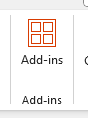
Click the button. This will open a dialog box where you can search for the ChemRender Add-in.
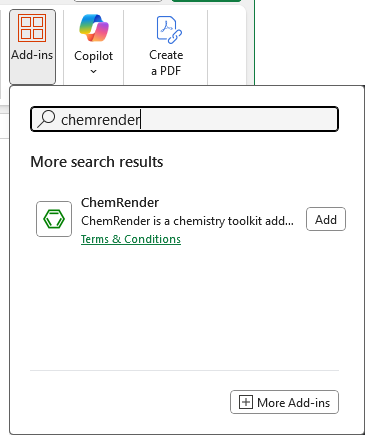
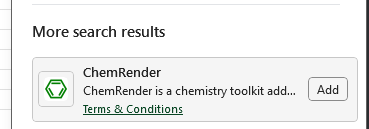
Once the search the search is complete click the Add button in the bottom right and corner of the ChemRender search result.
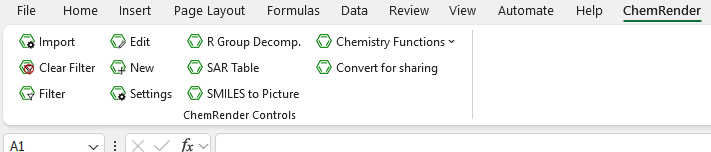
Once installed you will see ChemRender appear in the navigation.
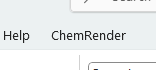
ChemRender is now installed and ready to go.
Clicking on the navigation will display the functions specific to ChemRender.

If you want access to the extended function such as importing SDF files, Filtering by substructure, SAR tables, and R-Group Decomposition you will need a subscription.
You can try all of the functionality free for 13 days, all you need to do is create an account using the link below and start a subscription.
Create an account